Using the Microsoft Money ID Remover (sanitize.exe) tool
The Money ID Remover (sanitize.exe) tool is found within the hidden directory under the Microsoft Money 2007 &
Plus installations (named MNYCoreFiles\sanitize.exe). You will need to turn on the option in Windows Explorer to view
protected system files to see it (Tools->Folder Options, select 'View' and uncheck the 'Hide protected operating system
files (Recommended)' option).
To run the tool, double click the sanitize.exe program. You will see a window
appear which contains the explanation text above.
Put in the details of the file you wish to process and the
destination file name you want and then press the next button. This will bring you to a confirmation page as shown below.
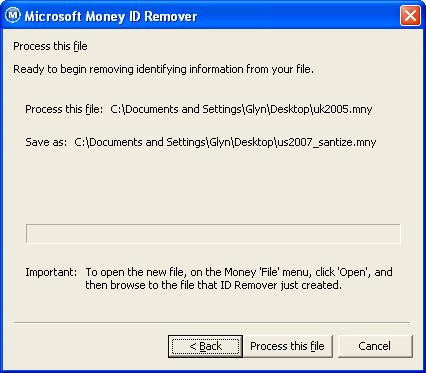
Press 'Process this file' to start. If you have a password, you should be prompted for it, and if the
file is in use (for example you have the file open in Microsoft Money), it will tell you and you'll need to close
it and restart the tool.
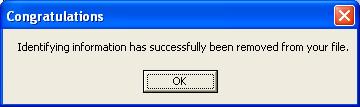
When processed, you should receive a 'congratulations' message.
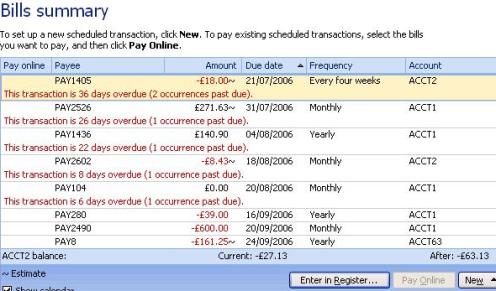
On opening the file, you can see some of the
changes that have been made. In the image below, I've cut part of the bills summary page - note that the
Payee names are changed to 'PAYxxxx' where 'x' is a number and the account names are renamed also.
For more information on this tool, see
Article 430.
Keywords: Anonymize, Obfuscate, Sanitize, Security, Hide